

How to make jobs from a sales order in Epicor Kinetic
Still making jobs for every sales order by hand? There’s a wizard. Here is how to make jobs from a sales order in Epicor Kinetic, in 3 steps, starting in the sales order.
The steps
Open the sales order
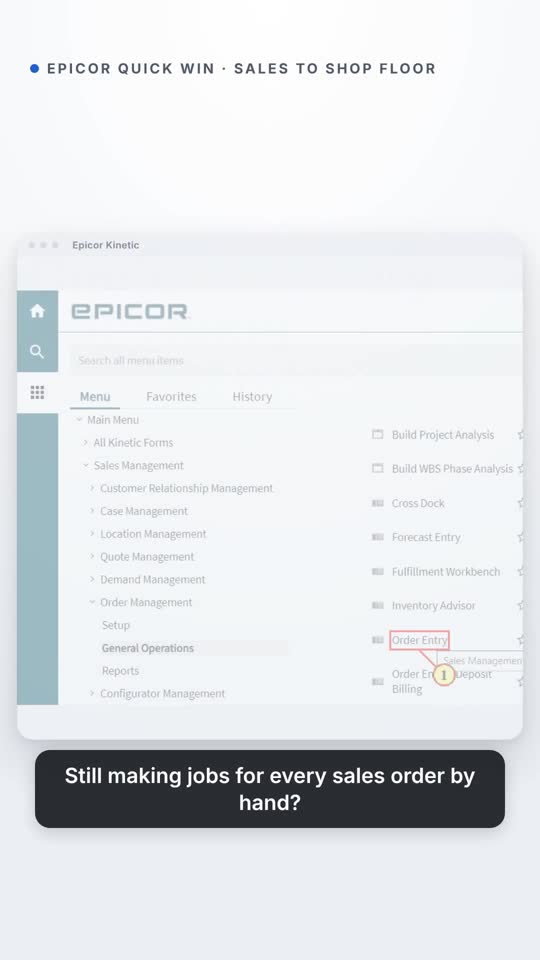
Go to the release
Overflow menu → Order Job Wizard
Screens show Epicor Kinetic with demonstration data. Menus and labels can differ with your version and setup.
Need this set up or automated?
We set it up around how your team works.
Procedures and training built from your own screens, or a rule, screen or report in Epicor Kinetic that takes the repetitive part off your team’s plate. Senior-led, with specialists added as the scope requires.
More sales and production tips